Reflect Procreate Lettering Brush: Elevating Digital Typography with Precision and Style
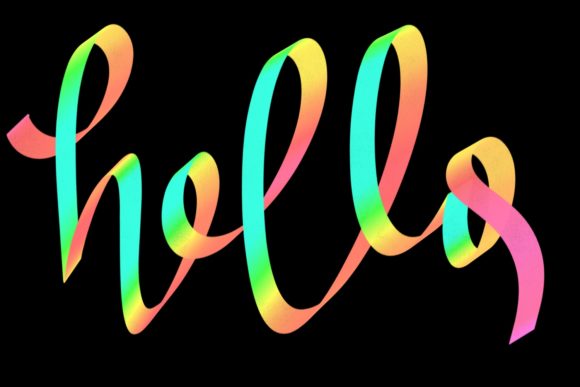
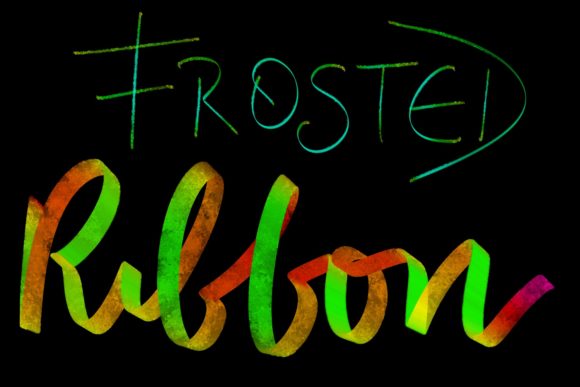
Digital lettering has evolved from a niche hobby into a vital skill for modern creators, but the gap between traditional ink-on-paper aesthetics and digital precision can feel wide. This is where the Reflect Procreate Lettering Brush steps in, offering a bridge that feels surprisingly natural. Designed specifically for the Apple Pencil, this tool leverages pressure sensitivity and opacity controls to mimic the organic flow of hand-lettering while retaining the flexibility of digital editing. For anyone who has struggled with stiff, uniform digital lines, understanding how this brush set functions can transform your workflow from frustrating to fluid.
Understanding the Mechanics of Reflect Shadow and Lettering Brushes
At its core, the Reflect suite is built on responsiveness. Unlike standard brushes that apply a static stroke regardless of how hard you press, the Reflect Shadow Brush and its companion lettering tools react dynamically to your hand. When you press lightly with the Apple Pencil, the line appears faint and thin; press harder, and it darkens and widens. This isn’t just a cosmetic feature—it’s a functional necessity for creating depth and dimension without manually adjusting settings mid-stroke.
The brush comes in the .brush format, which is exclusive to Procreate. This ensures seamless integration into your existing library. You don’t need to convert files or worry about compatibility issues across different platforms. The focus is entirely on the iPad experience, optimizing the brush engine to reduce lag and maximize the fidelity of your input. For users accustomed to the tactile feedback of marker pens or brush pens, this digital translation offers a familiar sensation, allowing muscle memory to take over rather than forcing you to fight against the software.
Real-World Applications for Freelancers and Small Business Owners
For freelancers and small business owners, time is often the most scarce resource. The Reflect Procreate Lettering Brush shines in scenarios where speed and quality must coexist. Consider a social media manager who needs to create engaging story graphics daily. Using standard text tools can result in generic-looking posts that blend into the noise. However, hand-lettered headers created with Reflect brushes add a personal, authentic touch that algorithms and audiences alike tend to favor.
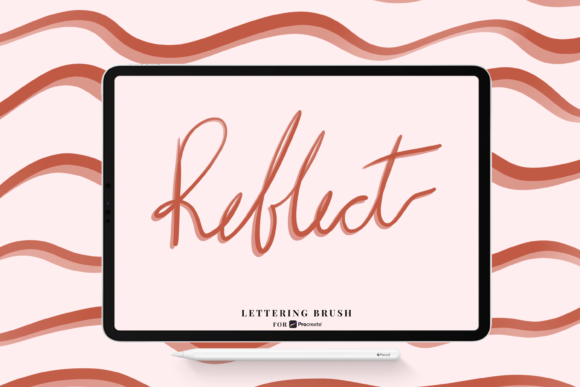
Imagine designing a promotional quote for Instagram. With the Reflect Shadow Brush, you can lay down the base lettering quickly, relying on pressure sensitivity to vary line weight naturally. Then, by adding a subtle shadow layer using the dedicated shadow brush, you create a 3D effect that pops off the screen. This process, which might take thirty minutes in vector software like Illustrator, can be accomplished in under ten minutes on an iPad. The ability to iterate quickly means you can test different styles and compositions on the fly, responding to trends in real-time.
Educational and Editorial Use Cases
Educators and content creators also find significant value in these tools. Teachers creating digital worksheets or explanatory videos often need to highlight key concepts visually. Hand-written annotations feel more approachable and less rigid than typed text. By using the Reflect brushes, an educator can write directly over diagrams or photos, using opacity changes to emphasize certain points while keeping others subtle. This mimics the experience of writing on a whiteboard or transparency, making complex information easier to digest for students.
Publishers and bloggers face similar challenges when creating featured images or ebook covers. A custom lettered title can define the tone of a piece before a single word is read. The versatility of the Reflect set allows for both bold, aggressive headlines and delicate, whimsical subtitles. Because the brush responds to tilt and pressure, users can achieve calligraphic flourishes that would otherwise require advanced vector path manipulation. This lowers the barrier to entry for high-quality typographic design, enabling writers to maintain brand consistency across their visual assets without needing a dedicated graphic designer for every project.
Why Pressure Sensitivity Matters for Authenticity
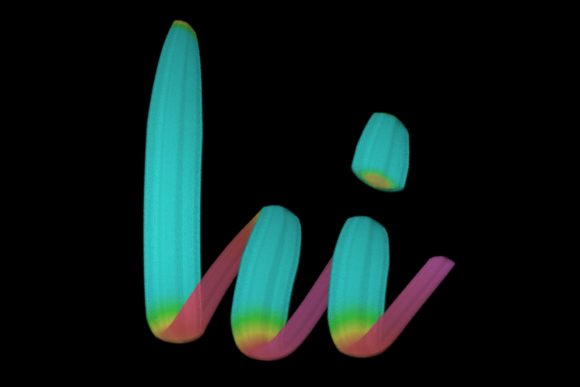
The distinction between amateur and professional digital art often lies in the variation of line weight. Uniform lines look digital; varied lines look human. The Apple Pencil pressure sensitivity for opacity and size embedded in the Reflect brushes is what injects life into your lettering. When you start a stroke, you might begin with a light touch, tapering into a heavier press as you move through the curve, and lifting off gently at the end. This natural rhythm is captured instantly.
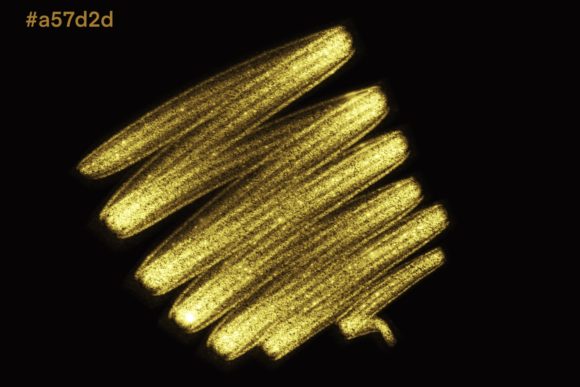
This feature is particularly crucial for shadow work. The Reflect Shadow Brush is designed to complement the main lettering by providing consistent, adjustable shadows that align with the light source you imagine. Without pressure sensitivity, shadows can look flat and disconnected from the main object. With it, you can control the density of the shadow based on how "far" the letter is from the background, creating a cohesive sense of space. This level of control allows for realistic compositing, making your digital letters appear as if they are physical objects resting on a surface.
Considerations Before You Start
While the Reflect Procreate Lettering Brush is powerful, it requires a shift in mindset for those coming from traditional design backgrounds. First, ensure your iPad and Apple Pencil are calibrated correctly. The brush’s performance is tied directly to hardware accuracy. If your screen protector is too thick or worn, it may interfere with the subtle pressure variations the brush relies on. A matte screen protector can often enhance the tactile feel, making the experience closer to paper.
Second, consider your workflow. Since this is a .brush format specifically for Procreate, it is not compatible with Adobe Fresco, Photoshop, or Clip Studio Paint. If your pipeline involves moving files between multiple apps, you will need to export your lettering as PNGs with transparent backgrounds after creation. This is a minor step but worth planning for if you are integrating these elements into larger layouts done in other software.
Finally, practice is essential. While the brush does much of the heavy lifting regarding line variation, good lettering still depends on structure and spacing. The tool removes technical friction, but it doesn’t replace the need to understand typography basics. Users should expect a learning curve where they experiment with hand positioning and pressure levels to find their unique style. It’s not about perfect replication of traditional media, but rather leveraging digital advantages to create something new.
Integrating Reflect Brushes into Your Creative Routine
To get the most out of the Reflect Procreate Lettering Brush, start by setting up a dedicated canvas with layers organized for non-destructive editing. Keep your lettering on one layer and your shadows on another. This allows you to adjust the opacity or position of the shadow independently if the lighting direction changes or if the composition feels unbalanced. Use the undo gesture liberally; digital lettering is iterative. Don’t be afraid to redraw a character five times to get the flow right. The ease of deletion and redrawing is one of the greatest benefits of this medium.
For marketers and entrepreneurs, consider creating a library of common phrases or brand elements using these brushes. Save them as stamps or reusable assets within Procreate. This way, you maintain consistency across campaigns while still enjoying the handmade aesthetic. Over time, you’ll develop a signature style that becomes recognizable to your audience, building brand equity through visual identity.
In conclusion, the Reflect Procreate Lettering Brush and Reflect Shadow Brush offer more than just a new tool; they provide a method for bringing warmth and humanity into digital spaces. Whether you are designing a logo, teaching a class, or posting daily content, the ability to create responsive, dynamic lettering with minimal friction empowers you to communicate more effectively. By understanding the interplay of pressure, opacity, and format, you can unlock a level of creative expression that feels both modern and timeless.