Spooky Procreate Colors: Horror Halloween Palettes
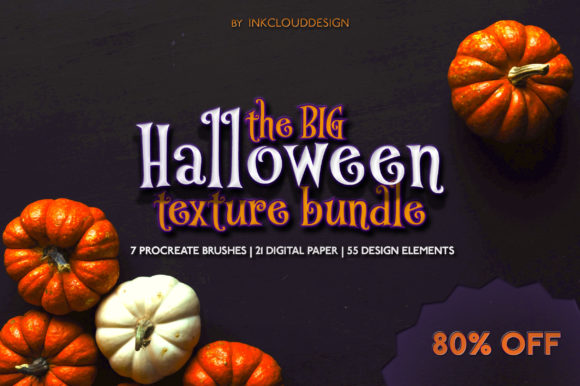
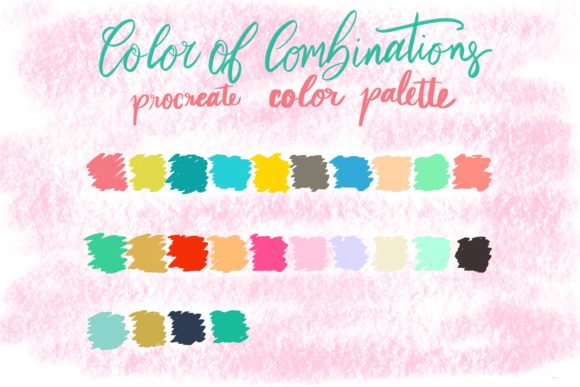
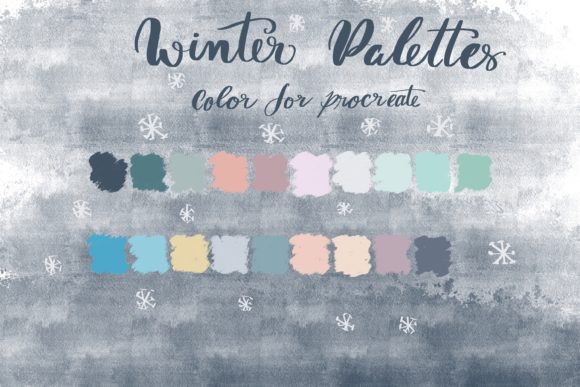
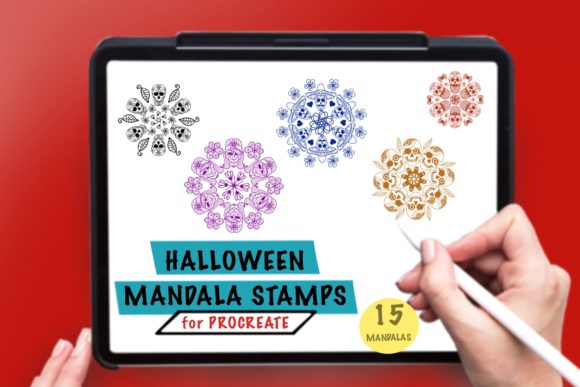
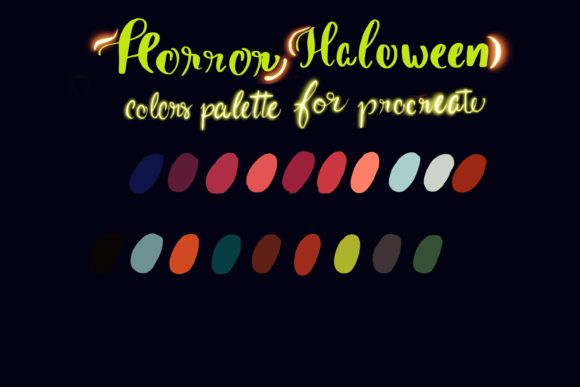
Digital illustration thrives on atmosphere, and nothing sets a mood quite like the right combination of shadows and highlights. For artists looking to capture the eerie essence of autumn and the supernatural, Horror Halloween Palettes offer a curated solution. These are not just random collections of dark hues; they are professionally organized color sets designed specifically for the Procreate app on iPad. By providing immediate access to deep purples, blood reds, foggy grays, and sickly greens, these palettes remove the guesswork from color selection, allowing creators to focus entirely on composition and storytelling.
The primary appeal of this resource lies in its simplicity and specificity. The package includes a single .swatch file, which is the native format for Procreate color libraries. This ensures seamless integration into your existing workflow without the need for complex conversions or third-party plugins. Whether you are a seasoned illustrator working on a graphic novel or a hobbyist experimenting with digital painting for the first time, having a pre-made set of thematic colors can significantly speed up your creative process.
Why Curated Colors Matter for Digital Art
One of the most common hurdles for digital artists, especially beginners, is color harmony. It is easy to pick individual colors that look good in isolation but clash when placed together on a canvas. Horror Halloween Palettes solve this by offering a cohesive range of tones that are mathematically and aesthetically balanced. The colors are chosen to evoke specific emotional responses associated with the horror genre: unease, mystery, and excitement.
For professionals, this consistency is invaluable when working on commercial projects with tight deadlines. Instead of spending hours tweaking saturation and brightness levels to get a "spooky" vibe, you can dive straight into sketching and rendering. For educators and students, these palettes serve as excellent teaching tools. They demonstrate how limited color schemes can create powerful visual impact, helping learners understand the principles of value and contrast without getting overwhelmed by the entire color wheel.
Technical Compatibility and Requirements
Before purchasing or downloading any digital asset, it is crucial to understand the technical requirements. These Horror Halloween Palettes are exclusively compatible with the Procreate app. This means you will need an iPad (such as the iPad Pro, iPad Air, or standard iPad models that support the latest iOS versions) and the Procreate application installed. Additionally, to fully utilize the pressure-sensitive features of Procreate while painting with these colors, an Apple Pencil or a compatible stylus with pressure sensitivity is highly recommended.
The file format is a .swatch file. This is important because it cannot be opened in Photoshop, Clip Studio Paint, or other desktop-based software without conversion. However, for the vast majority of mobile and tablet-based illustrators, Procreate is the industry standard, making this format ideal for on-the-go creativity. The installation process is straightforward: users simply import the file into their Procreate color library, and the palette appears instantly, ready for use.
Practical Applications for Creators
The versatility of these color sets extends far beyond traditional monster drawings. Here are several ways different types of creators can leverage these palettes:
- Social Media Content: Bloggers and marketers can use these colors to create eye-catching Halloween-themed graphics for Instagram stories, Pinterest pins, or YouTube thumbnails. The high-contrast nature of horror palettes makes text pop and images stand out in crowded feeds.
- Character Design: Concept artists can use the varied shades of green and purple to design unique creatures, witches, or vampires. The palette provides enough variation to render skin tones, clothing, and environmental effects realistically within a stylized context.
- Interior and Graphic Design: Small business owners selling print-on-demand products like t-shirts, mugs, or posters can use these colors to mock up designs quickly. The cohesive look ensures that merchandise collections feel unified and professional.
- Educational Materials: Teachers can use these palettes to create engaging worksheets or presentation slides for literature classes studying gothic fiction or horror genres. The visual theme helps maintain student interest and reinforces the subject matter.
Enhancing Your Workflow with Thematic Sets
Using a specialized palette like Horror Halloween Palettes also encourages artistic experimentation. When you are limited to a specific set of colors, you are forced to think more creatively about lighting and texture. For instance, instead of relying on bright, saturated colors to draw attention, you might use a stark contrast between a deep, murky black and a pale, ghostly white. This constraint can lead to more sophisticated and mature artwork.
Furthermore, these palettes are excellent for layering techniques. Procreate allows for various blend modes, and the specific hues in this set interact beautifully with modes like Multiply, Overlay, and Add. You can create glowing eyes, misty backgrounds, or bloody textures with just a few strokes. The predefined colors ensure that these effects remain consistent throughout the piece, maintaining the overall atmospheric integrity.
Things to Consider Before You Start
While these palettes are powerful tools, they are not a substitute for fundamental art skills. It is important to remember that color is only one element of a successful illustration. Composition, anatomy, and perspective still play critical roles. Beginners should view these palettes as a starting point, not a crutch. Take time to practice blending these colors and understanding how they behave under different brush settings.
Additionally, consider the context of your project. While these colors are perfect for Halloween-themed work, they may not be suitable for every type of illustration. If you are creating a bright, cheerful children's book, these dark tones might not be appropriate. However, keeping a few thematic palettes in your library is a smart move for any versatile artist. You never know when a client might ask for a spooky logo or a mysterious book cover.
Finally, ensure your iPad and Procreate app are updated to the latest versions. This guarantees smooth performance and full compatibility with the .swatch file format. Regularly backing up your custom libraries is also a good habit, ensuring that your favorite color sets, including your Horror Halloween Palettes, are never lost due to technical glitches.
In conclusion, investing in a specialized color palette is a small step that can yield significant improvements in your digital art workflow. By removing the friction of color selection, Horror Halloween Palettes empower you to create more compelling, atmospheric, and professional-looking artwork with less effort. Whether you are designing for fun or for profit, these tools provide the perfect foundation for bringing your darkest imaginings to life.